How to import a Deezer playlist into Lyra
Updated on
Open Lyra, go to Library, tap Import playlist and choose Import from Deezer. Paste the link of a public Deezer playlist (deezer.com/playlist/… or a link.deezer.com short link), tap Load playlist and then Import: Lyra copies it into your library as a playlist you can edit.
Step by step
Copy the playlist link in Deezer
In Deezer, open the playlist and use Share → Copy link. Both deezer.com/playlist/… links and link.deezer.com short links work. The playlist must be public.
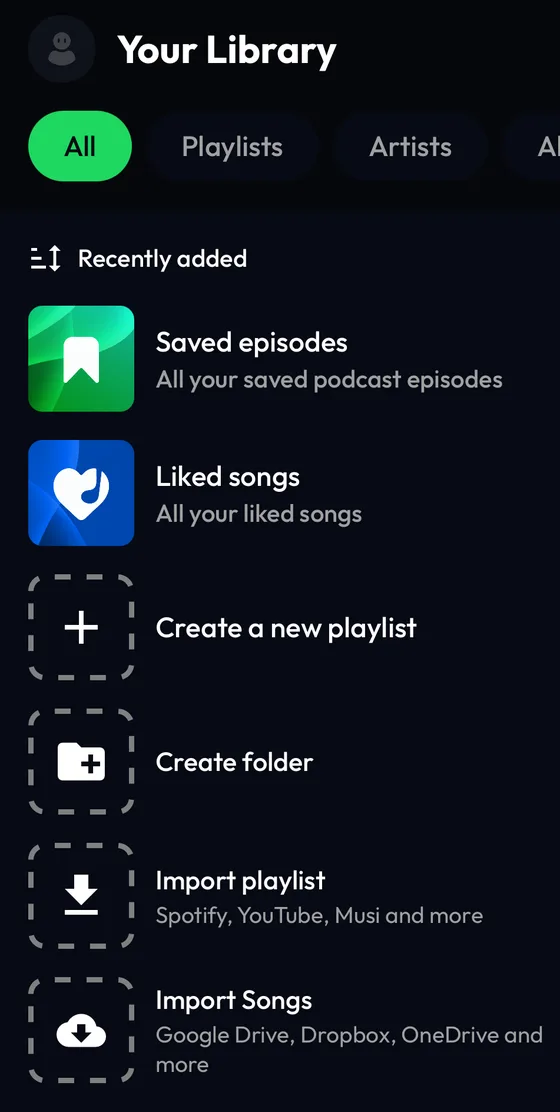
Open Import playlist in your Lyra library
In Lyra, tap Library, then the Import playlist tile (or the + button at the top) and choose Import from Deezer.
Paste the link and load the playlist
Tap the field Paste Deezer playlist link, paste the link and tap Load playlist.

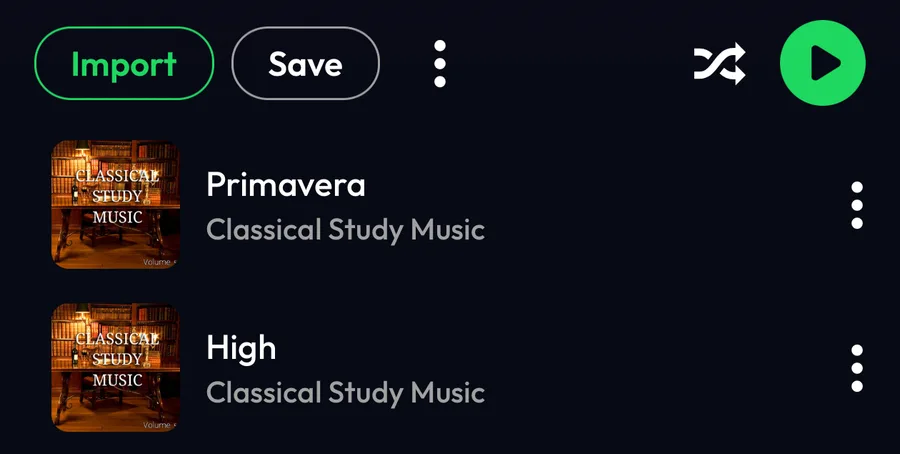
Check the preview and tap Import
Lyra shows the playlist with its songs. Import makes your own copy; Save only adds a link that follows the Deezer playlist.
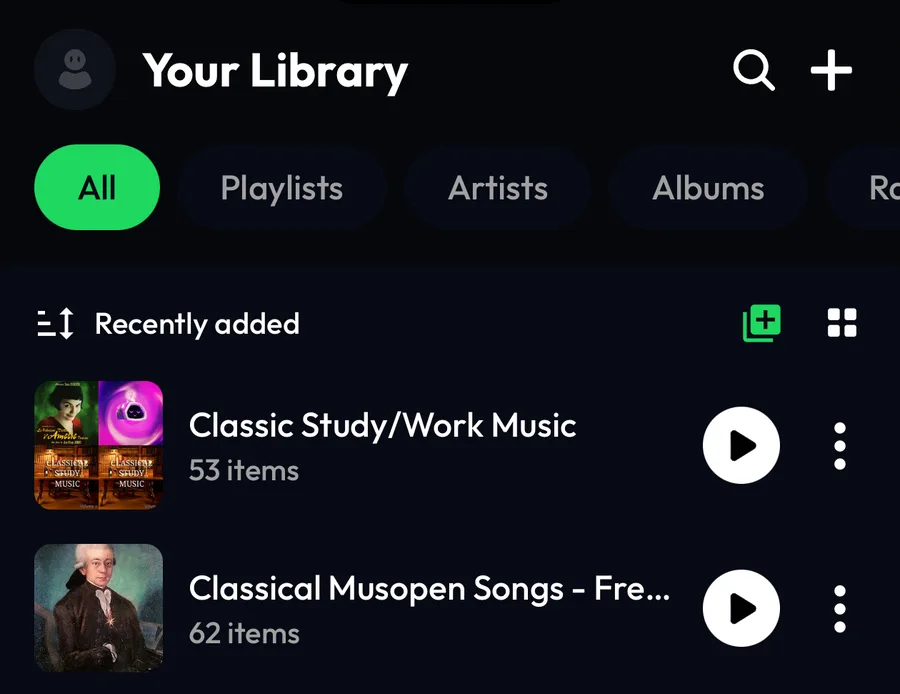
Find it in your library
When the import is done, the playlist appears at the top of your Library, ready to edit.
Differences by device
iPhone
The steps and screenshots on this page come from the Lyra iPhone app, used as a guest.
Android
The path is the same: Library → Import playlist → Import from Deezer.
Web player
Importing from other services isn't available on the web player at listen.lyramusic.app: open the mobile or desktop app to import.
Good to know
- Only public playlists can be imported. A private Deezer playlist is reported as an invalid link: make it public, import it, then set it back to private.
- An import is a one-time copy: songs added to the Deezer playlist later don't appear in Lyra.
- Songs that aren't available in Lyra are skipped.
If something goes wrong
- “Invalid Deezer link”
- Check that the link points to a playlist and that the playlist is public. Copy it again from Deezer with Share → Copy link.
- “Error importing playlist” or “An error occurred”
- Check your internet connection and try again.
- The playlist has fewer songs than on Deezer
- Songs that aren't available in Lyra are skipped.
Frequently asked questions
Do I need a Deezer account or Deezer Premium?
No. Lyra reads the public playlist from its link; you never sign in to Deezer in Lyra.
Do short link.deezer.com links work?
Yes, as long as they open a public playlist.
Is importing free?
Yes. Importing playlists doesn't require Lyra Premium or a Lyra account.
Deezer is a trademark of Deezer S.A. Lyra Music is not affiliated with, sponsored or endorsed by Deezer.